 Ligatura
Gigs
Know where you play, and on what terms.
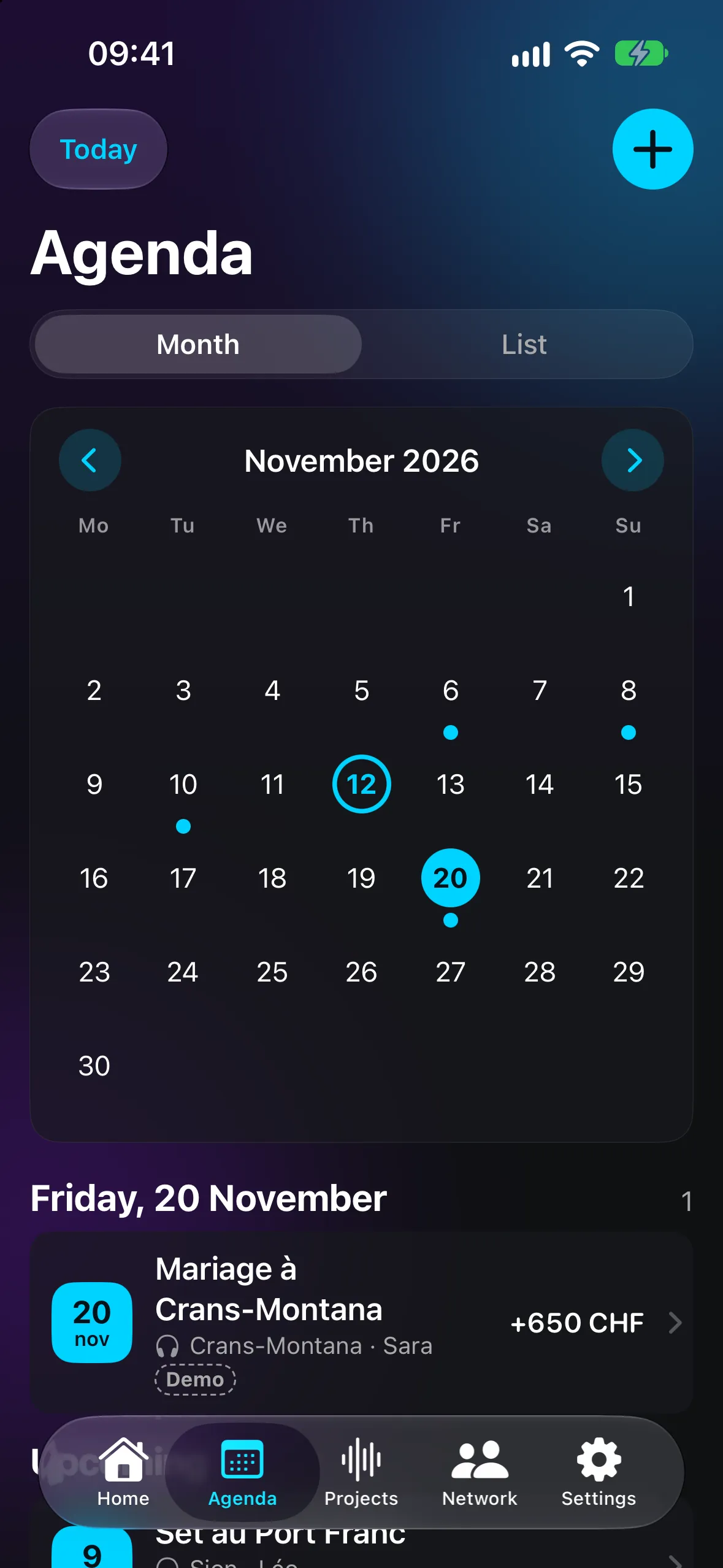
A month view or a list you can filter. Every gig keeps its venue, time, fee and reminders.
- Statuses: request, confirmed, played, paid
- Checklist and documents for each gig
- Add to your iPhone Calendar
The artist's cockpit
Ligatura brings your calendar, your money, your releases and your network into a single iPhone app. No account, no ads: everything stays on your iPhone.
Private beta. Coming soon to the App Store.
For DJs, live musicians and artists releasing their own music.
Gigs
A month view or a list you can filter. Every gig keeps its venue, time, fee and reminders.
Fees
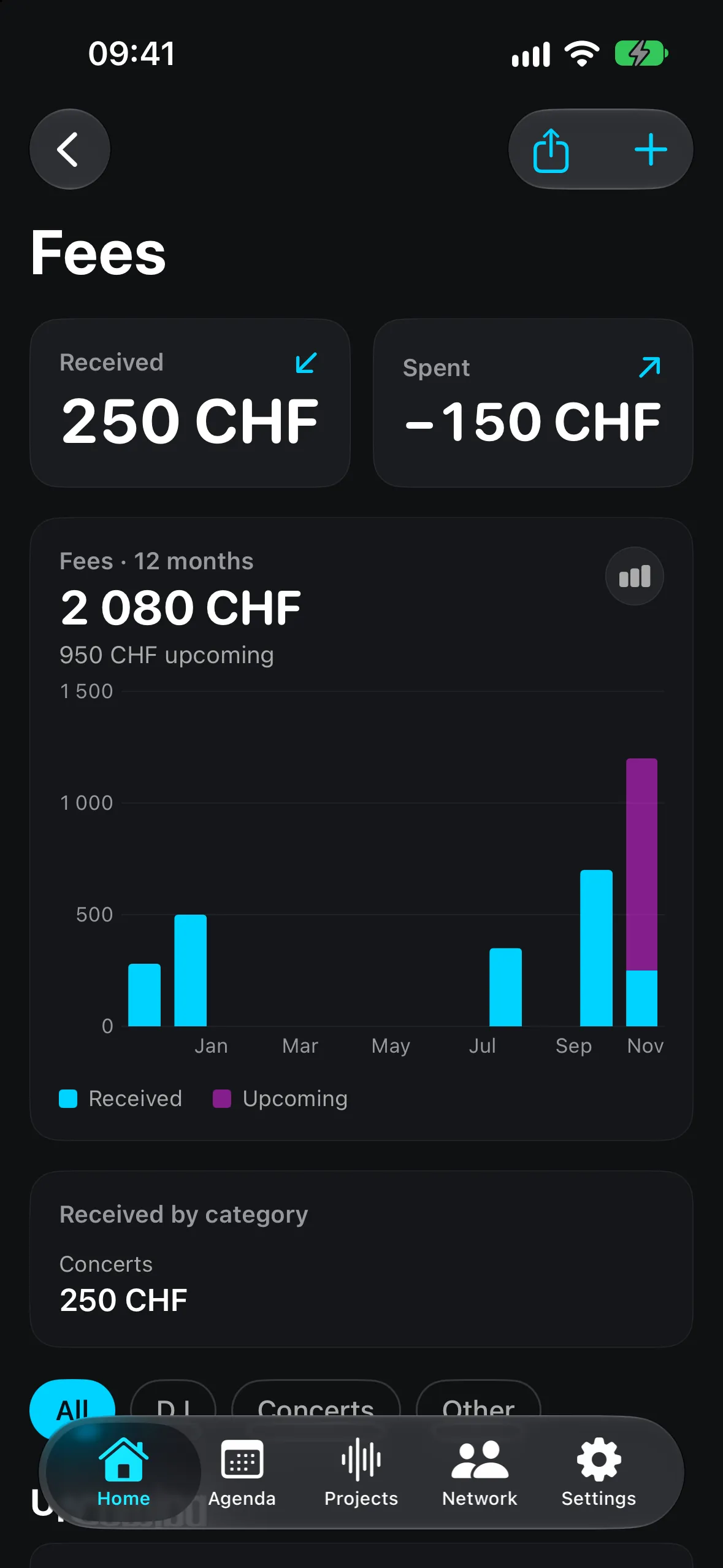
Twelve months at a glance, no spreadsheet. Ligatura tracks the money around your work without pretending to be accounting software.
Projects
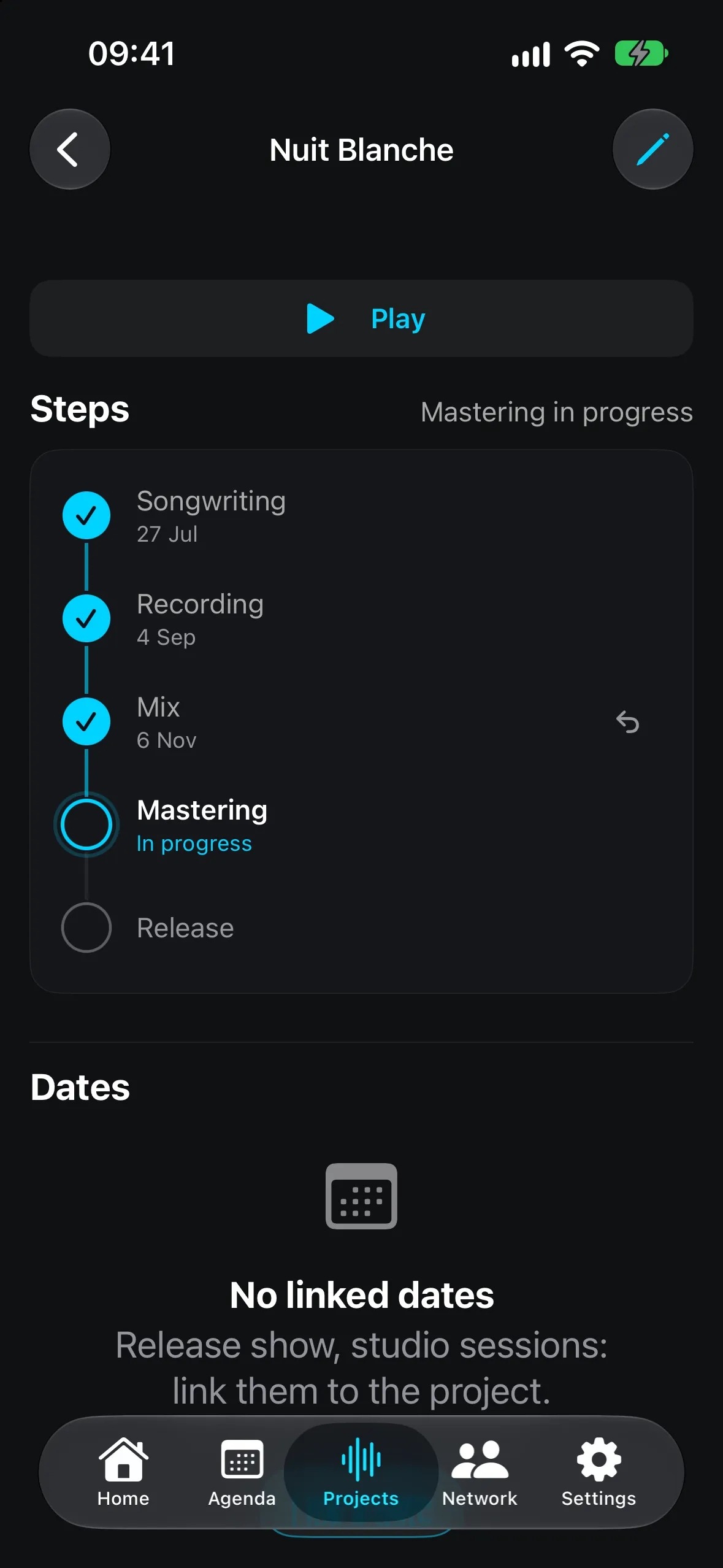
From songwriting to mastering, you tick off each step. Your audio files play inside the app, even with the screen locked.
Network
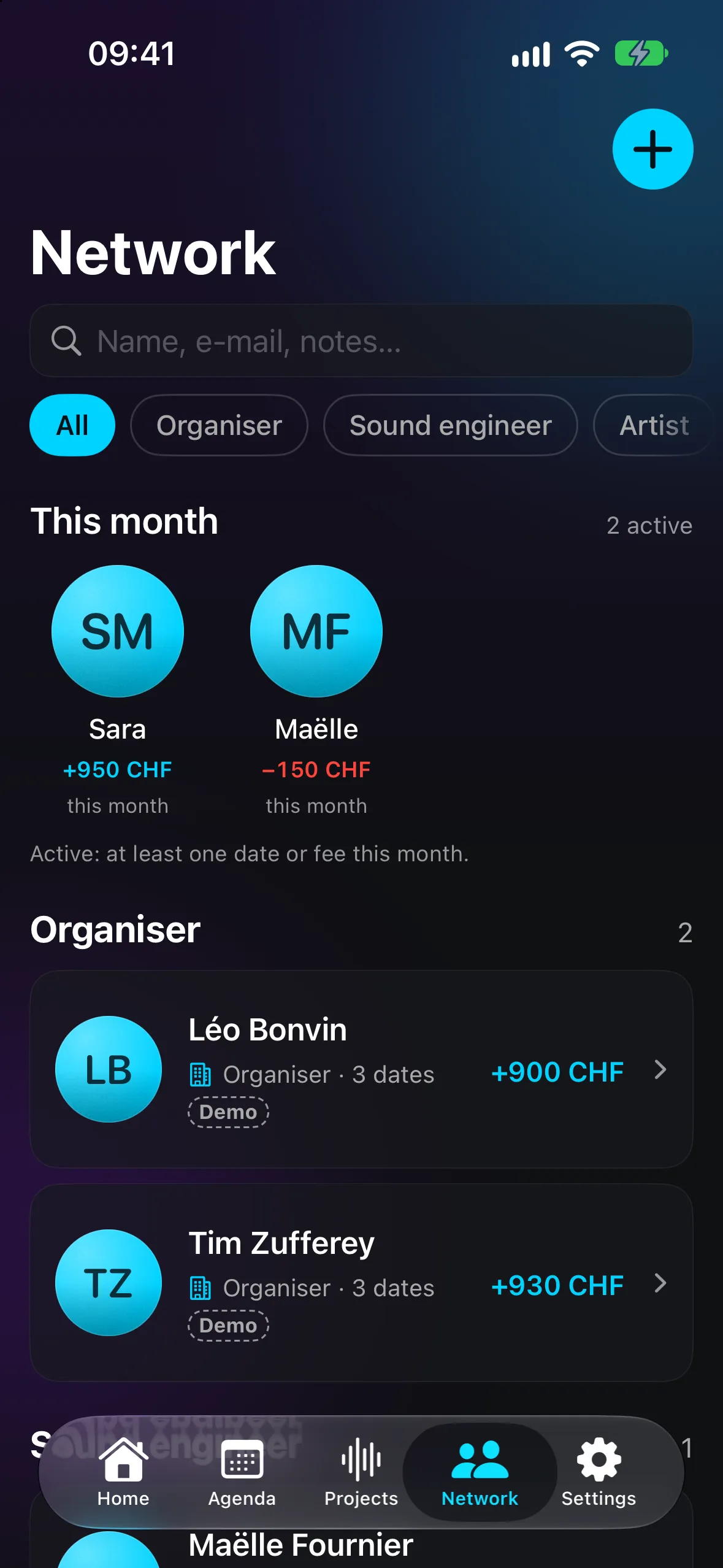
Organisers, sound engineers, artists: every contact has a balance, gigs and projects.
Pick your stage name and your palette. No password, no sign-up.
A venue, a time, a fee. The + button is always under your thumb.
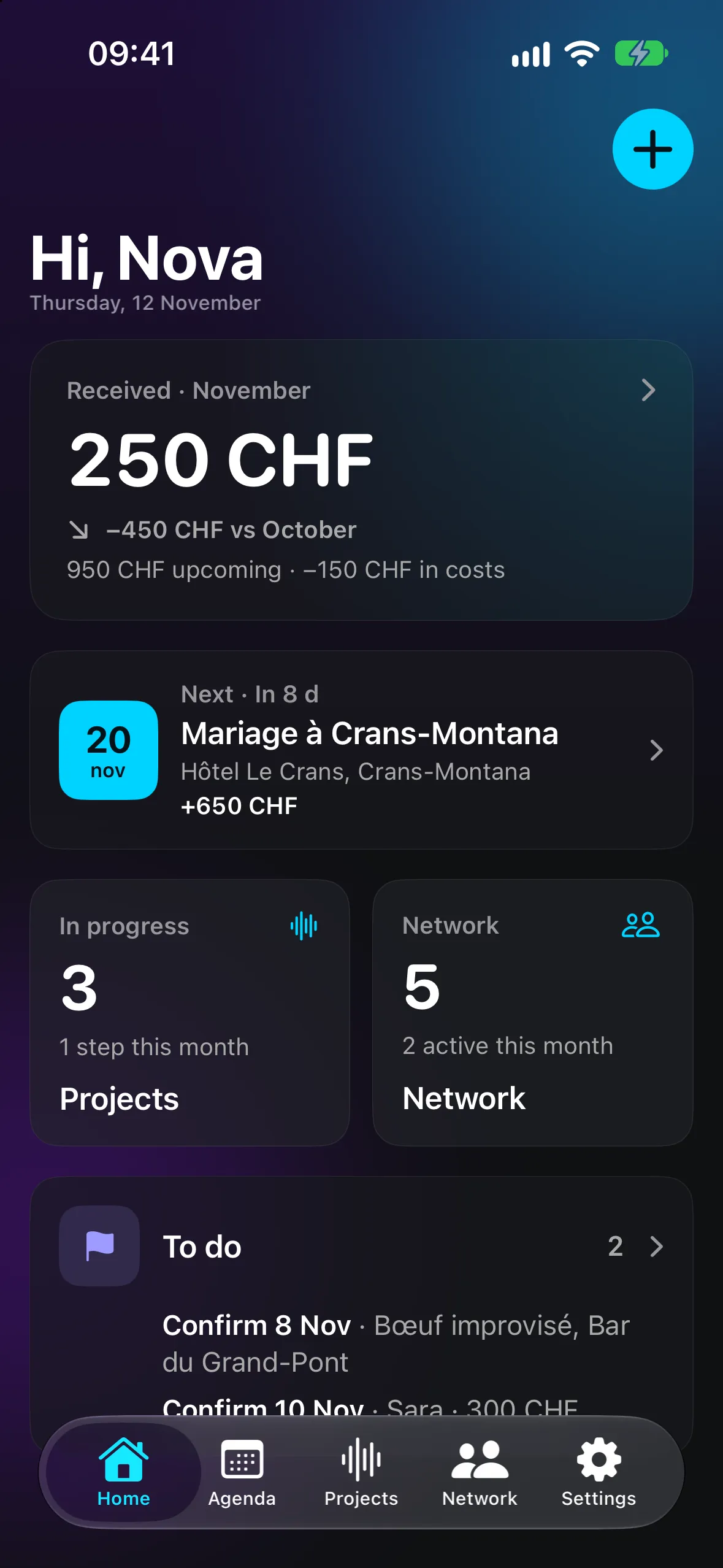
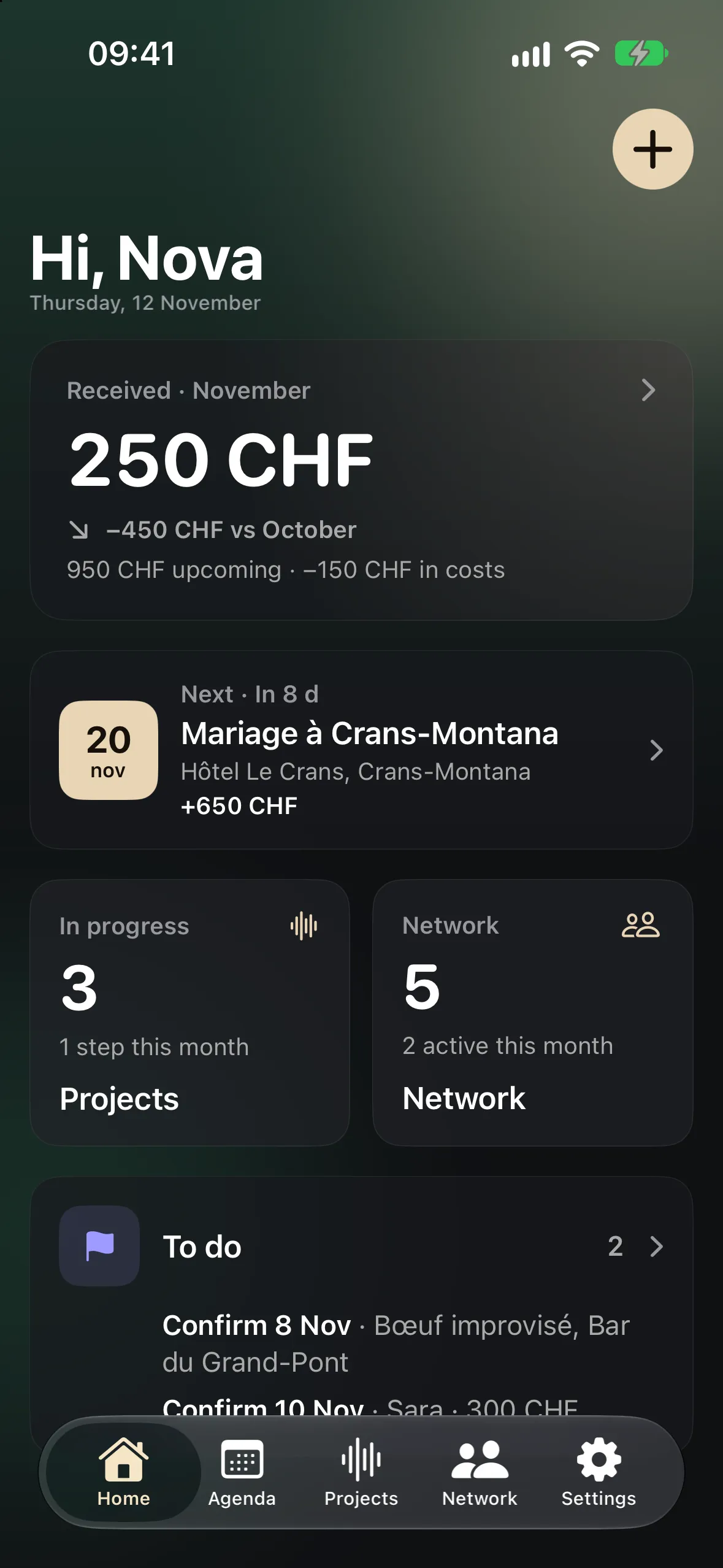
Home shows what you have been paid, your next gig and what still needs attention.
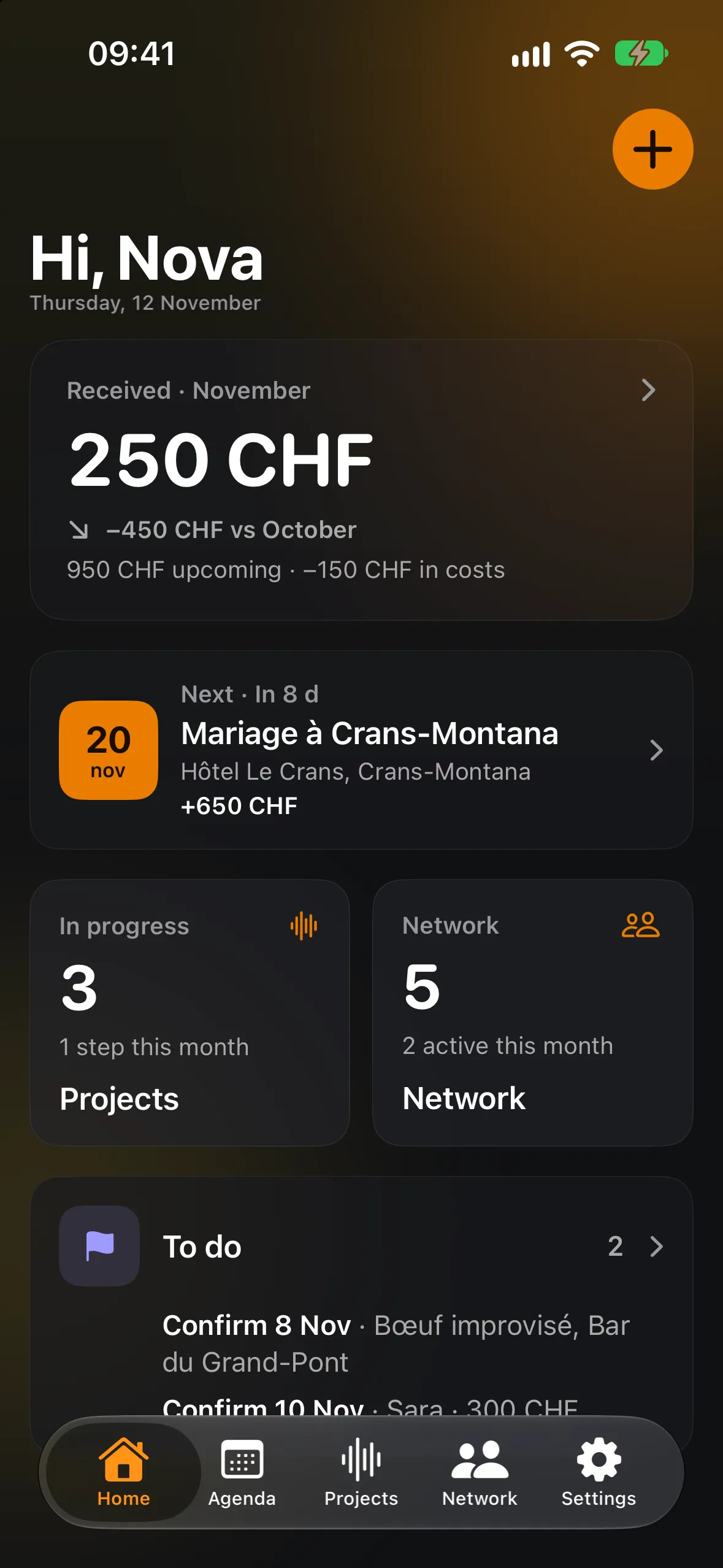
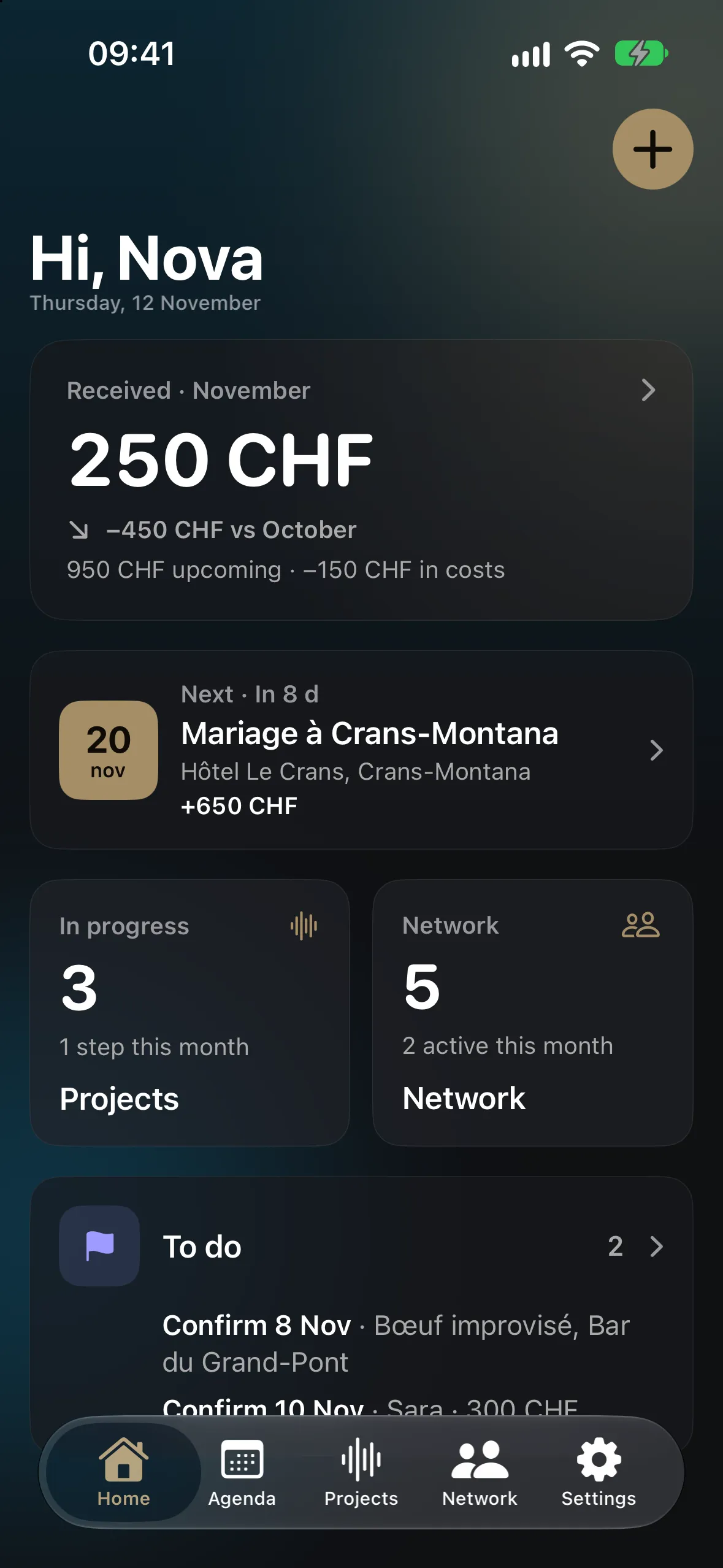
Four palettes, each in light and dark. The app icon follows your choice.
Privacy
Ligatura works without an account. No Ligatura server receives your gigs, fees or contacts: they are stored on your iPhone, and nowhere else without your consent.
Gigs, fees, contacts, invoices and files never leave for our servers.
Sync runs through your own iCloud account. Sensitive fields are encrypted there.
The app locks when you leave it. Amounts disappear from widgets.
A file protected by a password only you know, ready to restore on another iPhone.
No advertising SDK, no analytics tool, no selling of data.
During the beta, your artist name and email are only sent if you agree.
Ligatura is in private beta. Write to us: we reply when it reaches the App Store, and for nothing else.
Join the waitlistThe button opens your Mail app. Your address is only used for this announcement.